some organisation's put this kind of security to protect them...we can copy the file from the usb and we didn't right any files to usb.... usb is act as read only memory
1. Type regedit in the search box of Windows start menu or from Start > Run
2. This will open Windows registry editor, navigate to the following key
HKEY_LOCAL_MACHINE\SYSTEM\CurrentControlSet\Control
3. Right click on the right pane and create a new key, name it as StorageDevicePolicies

4. Click the newly created key and create a New DWORD value (32 bit). Name it as
WriteProtect

5. Double click on the key and set the value data to 1.
6. Restart the computer for the changes to take effect.
That’s it, now no one can copy or transfer files from the computer to the USB drive. The USB drive is now Read only and anyone trying to copy data to the USB drive will see the following error message:

If you don’t want to manually edit the registry, download the following files and double click them to enable or disable write protection in USB ports:
Download Registry Files
1. Enable USB Write protection
2. Disable USB Write protection
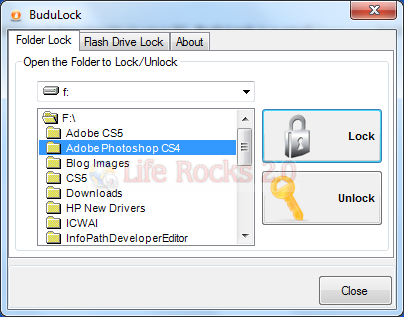
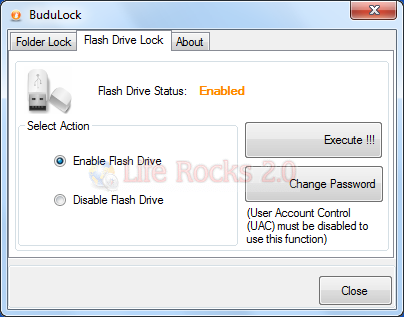
Software to Enable, Disable or password Protect USB Drives:-uduLock is a small freeware tool for your computer security which can lock/unlock your computer folders. It can also enable/disable USB port for flash drive. You can easily lock any folder using a password with this tool. Once locked, the folders are shown with a lock indicating no access to the folders. To unlock it you need to specify the password again.